WordPress Plugin

Smart Floating Navigation for WordPress

Create beautiful, responsive floating navigation bars with custom links, icons, badges, colors, scroll effects, and more — all from an easy-to-use admin panel.
Smart Floating Navigation Plugin Preview
🎨
Live Preview
See changes in real-time
📱
Fully Responsive
Mobile-first design
Everything You Need in a
Floating Navigation

Packed with powerful features to create the perfect navigation experience for your WordPress site.

🧭

Fully Customizable

Create a navigation bar that perfectly matches your website's design with full control over colors, sizes, and styles.

📍

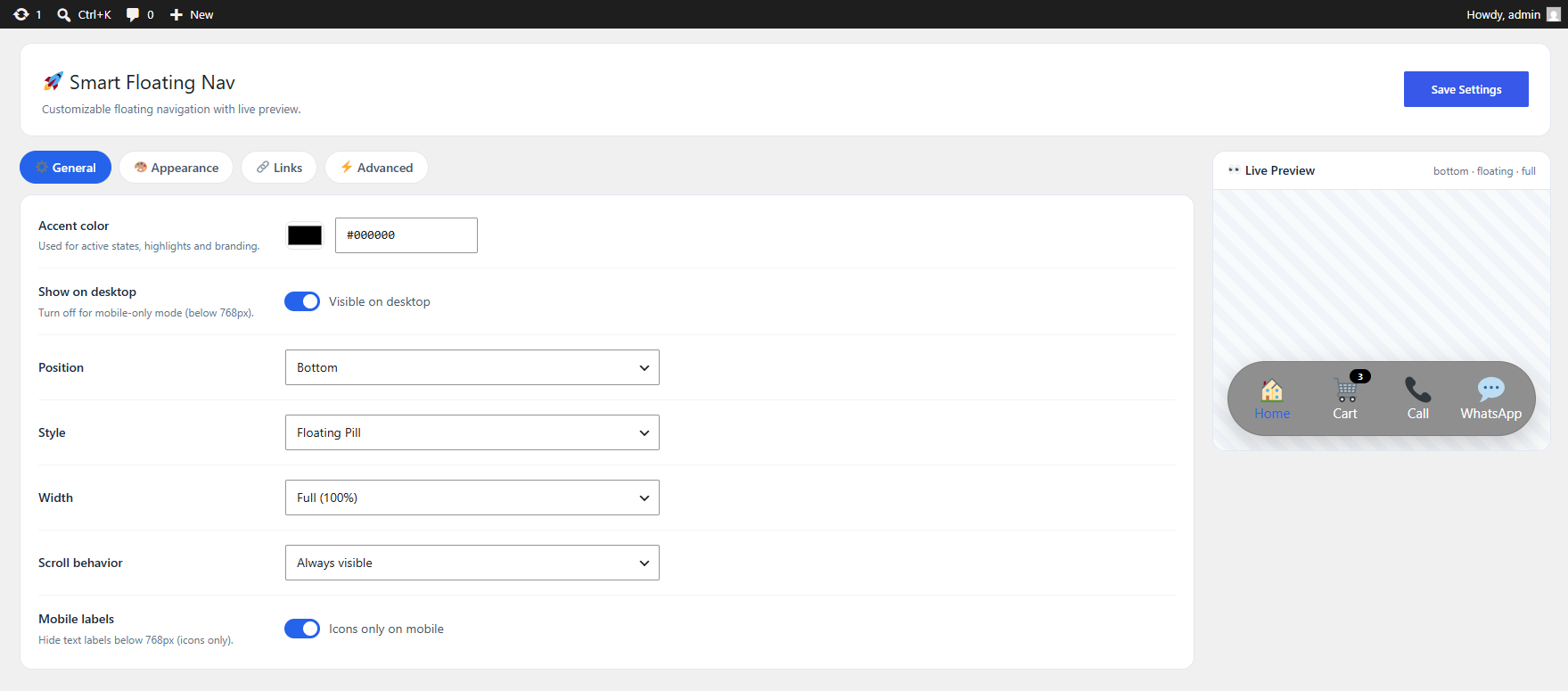
Multiple Positions

Display the floating navigation at the top or bottom of your website — wherever it works best for your visitors.

🎯

Navigation Styles

Choose between Floating Pill, Full Width Bar, and compact Pill styles to fit your layout.

📐

Flexible Widths

Select Narrow (320px), Medium (480px), Wide (640px), or Full Width — the choice is yours.

📱

Responsive Design

Optimized for desktop, tablet, and mobile devices with optional icon-only mode for smaller screens.

🔄

Scroll Behavior

Keep the nav visible, hide on scroll down, or reveal on scroll down — smart behavior that adapts.

👁️

Live Preview

Preview your navigation in real-time while configuring it in the WordPress admin panel.

🔗

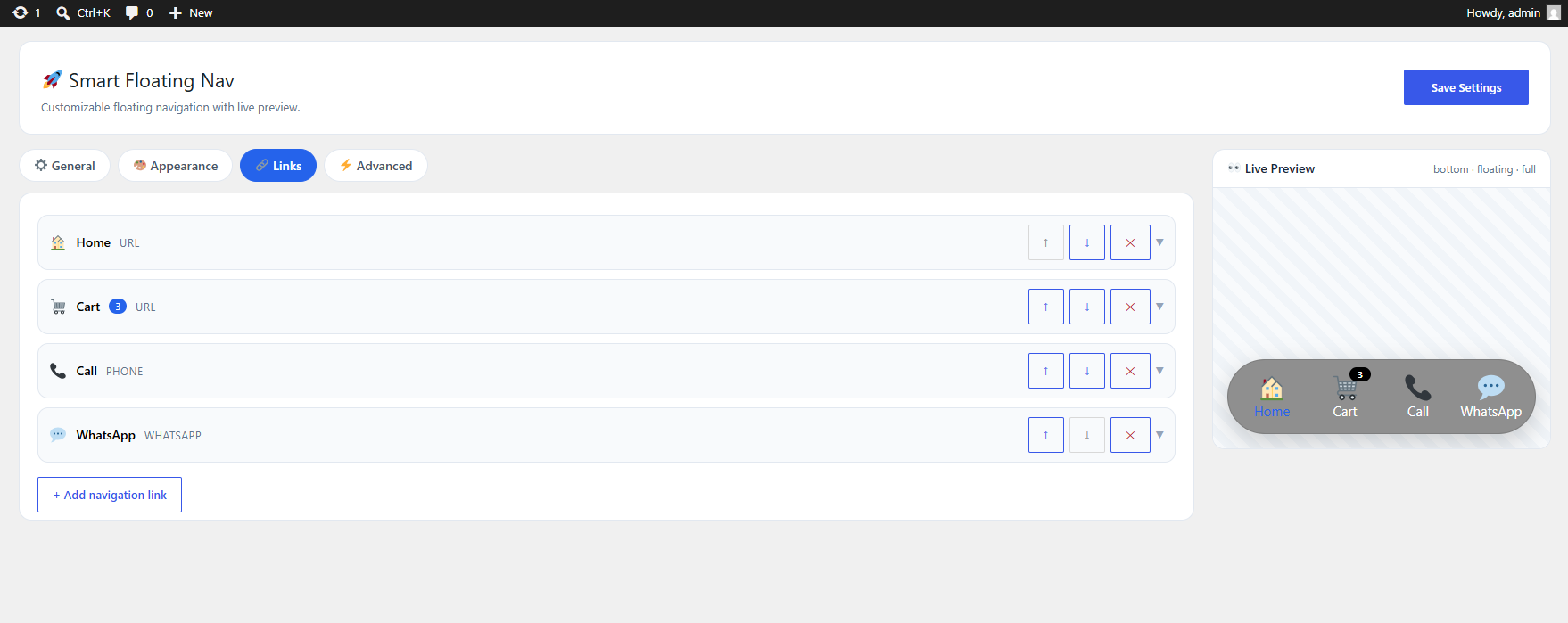
Unlimited Links

Add as many navigation items as your website needs — no artificial limits.

Custom Icons & Badges

Use emoji or icon characters and add badges or counters to individual navigation items.

Active Link Highlighting

Automatically highlights the navigation item matching the current page URL for better UX.

🎨

Powerful Appearance

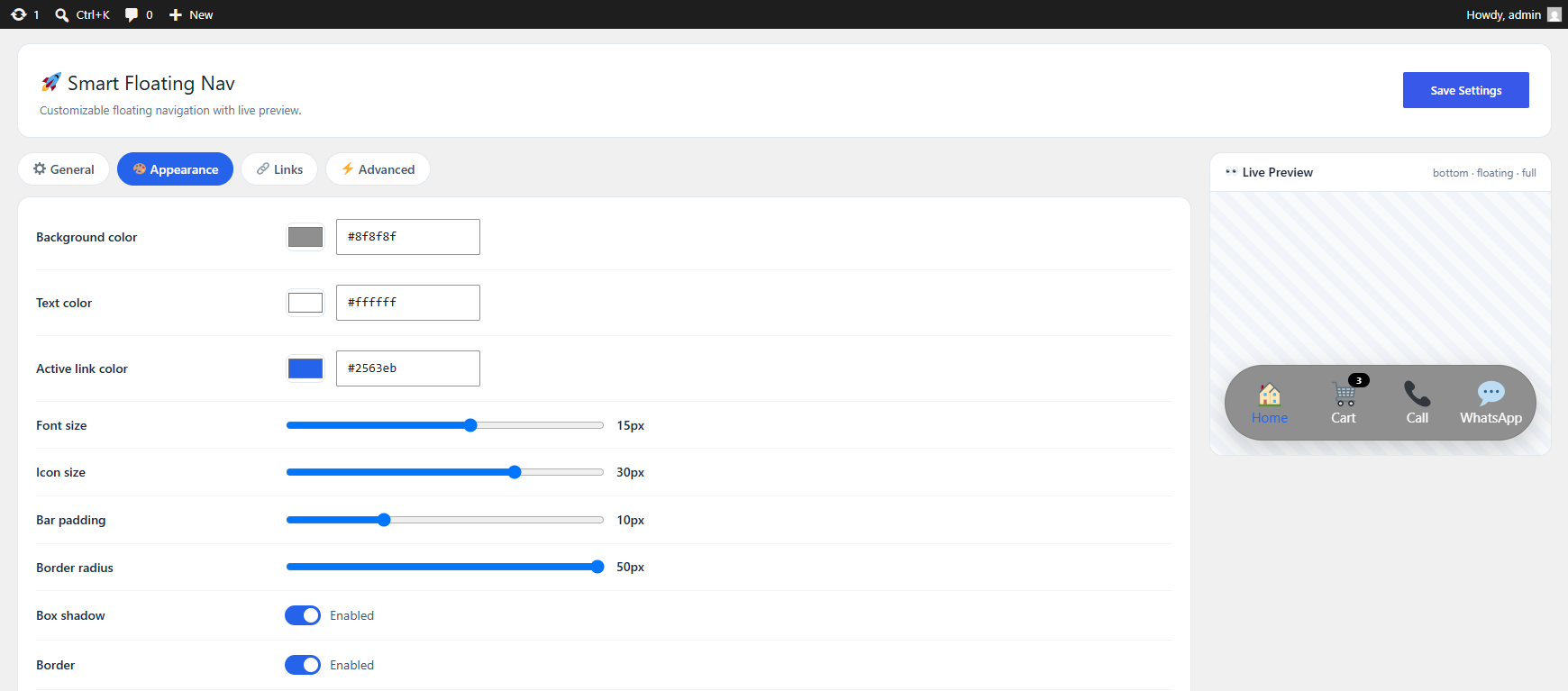
Control accent, background, text, and active link colors plus font size, padding, radius, shadow, border, and opacity.

⚙️

Advanced Settings

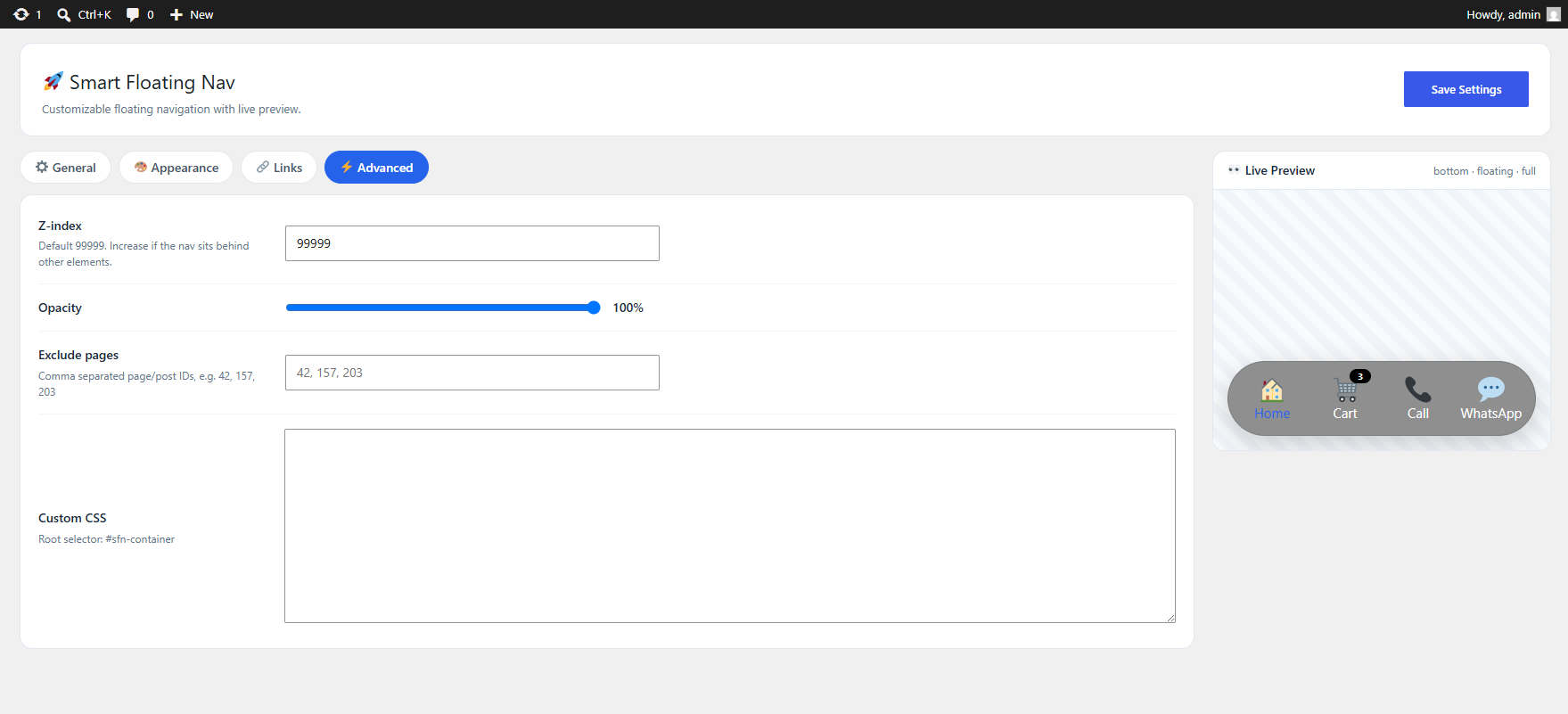
Z-Index control, page exclusions by ID, custom CSS, and custom CSS classes per link.

See It In Action

Explore the plugin's intuitive admin interface and beautiful front-end output.

Powerful Appearance Controls

Fine-tune every visual aspect of your floating navigation to match your brand perfectly.

Accent Color
Background Color
Text Color
Active Link Color
Label Font Size
Icon Size
Bar Padding
Border Radius
Box Shadow
Border & Opacity
Appearance Controls Preview

Up and Running in Minutes

Three simple steps to add a beautiful floating navigation to your WordPress site.

1

Install the Plugin

Upload and activate the plugin through your WordPress admin panel — no coding required.

2

Configure & Customize

Add your navigation items, choose styles, set colors, and tweak the appearance with the live preview.

3

Publish & Impress

Save your settings and your beautiful floating navigation goes live instantly on your website.

Perfect For Any Website

Smart Floating Navigation adapts to any WordPress site, no matter the niche.

🏢

Business Websites

🎨

Agency Websites

💼

Portfolio Sites

🛒

WooCommerce Stores

📰

Blogs & Magazines

🚀

Landing Pages

🔧

Service Websites

📱

Mobile-First Sites

Simple, One-Time Payment

No subscriptions, no recurring fees. Pay once and use it forever.

⚡ Best Value
Smart Floating Navigation
WordPress Plugin — Lifetime License
$ 15
One-time payment
  • Unlimited navigation links
  • 5 link types (URL, Phone, Email, WhatsApp, Telegram)
  • Multiple styles & positions
  • Fully responsive & mobile-friendly
  • Scroll behavior options
  • Custom CSS support
  • Lifetime updates
Buy Now — $15
🔒 Secure payment • Instant download

Frequently Asked Questions

Got questions? We've got answers.

After purchase, you'll receive a ZIP file. Go to your WordPress admin panel → Plugins → Add New → Upload Plugin, select the ZIP file, and click Install Now. Then activate the plugin and start configuring your navigation.
Yes! Smart Floating Navigation is designed to work with any WordPress theme. It uses its own styling system and doesn't conflict with your theme's CSS. You can also add custom CSS if needed.
Absolutely. The plugin is built with a responsive design and includes a mobile icon-only mode that hides labels on smaller screens for a cleaner mobile experience. You can also control desktop visibility separately.
Yes, there are no limits on the number of navigation items you can add. Create as many links as your website needs, each with its own icon, label, URL, badge, link type, and custom CSS class.
Yes, the one-time payment of $15 includes lifetime updates. You'll receive all future updates and improvements at no additional cost.
Yes, the plugin includes a Page Exclusions feature that lets you hide the navigation on specific pages or posts by entering their IDs. This gives you full control over where the navigation appears.
Each navigation item supports 5 link types: Regular URL, Phone/Tel link, Email/Mailto link, WhatsApp, and Telegram. You can also choose whether each link opens in the same tab or a new tab.

Ready to Upgrade Your
WordPress Navigation?

Give your visitors quick access to the most important areas of your website with a beautiful floating navigation bar.

Get Smart Floating Navigation — $15